Quick answer
To calculate percentage change, first classify the problem, preserve the meaning of every transformation, and verify the final result in the original statement. For the worked example (new - old) / |old| × 100%, the result is 25% increase. The method below shows why that result follows rather than presenting it as an unexplained calculator output.
Identify the problem before calculating
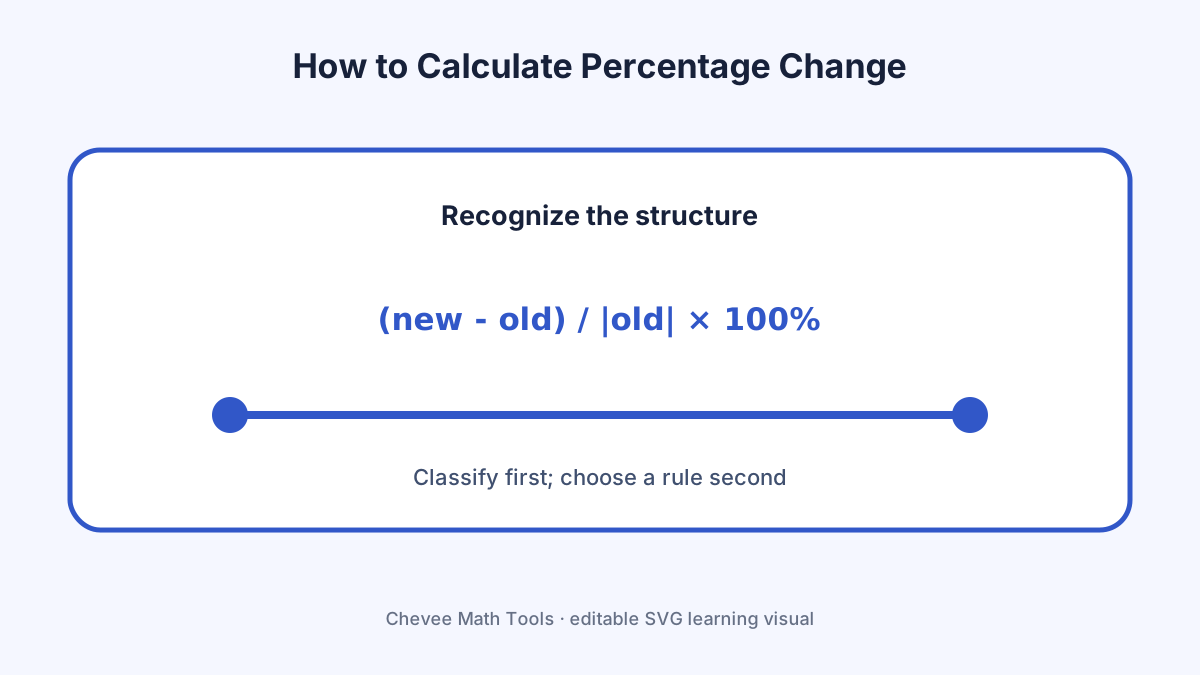
Percentage change compares a difference with the starting value. It is directional: swapping old and new changes both the denominator and the interpretation. This classification step matters because a familiar-looking expression can require a different rule when its structure changes. Write down any domain restriction, unit, dimension, or reference value before manipulating the symbols.
Name the reference quantity, time period, and units. A numerically correct percent can still communicate the wrong comparison when the baseline is ambiguous.
Step-by-step method
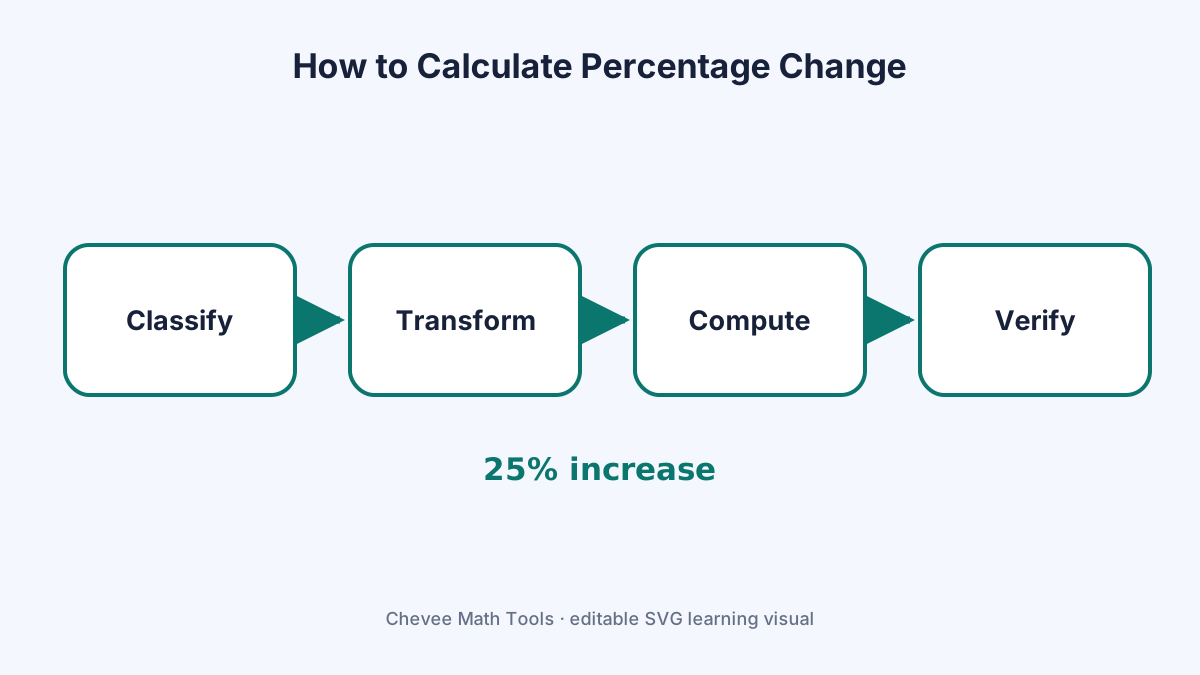
- Identify the original value and the later value.
- Subtract old from new to obtain the signed change.
- Divide by the absolute original value when a conventional percent-change magnitude is intended.
- Multiply by 100 percent.
- Label the result as an increase or decrease and state the base period.
Each line should answer two questions: what operation was performed, and why that operation preserves or correctly changes the mathematical object. When a calculator or browser tool is used, keep the original input visible so the output can be compared with the source problem.
Worked example
- Suppose a value rises from 80 to 100.
- The change is 100 - 80 = 20.
- Divide by 80: 20/80 = 0.25.
- Multiply by 100%, giving a 25% increase.
The result 25% increase is not accepted solely because it looks plausible. The example retains the intermediate quantities that make a sign, denominator, exponent, dimension, or rounding mistake visible.
Read the visual explanation
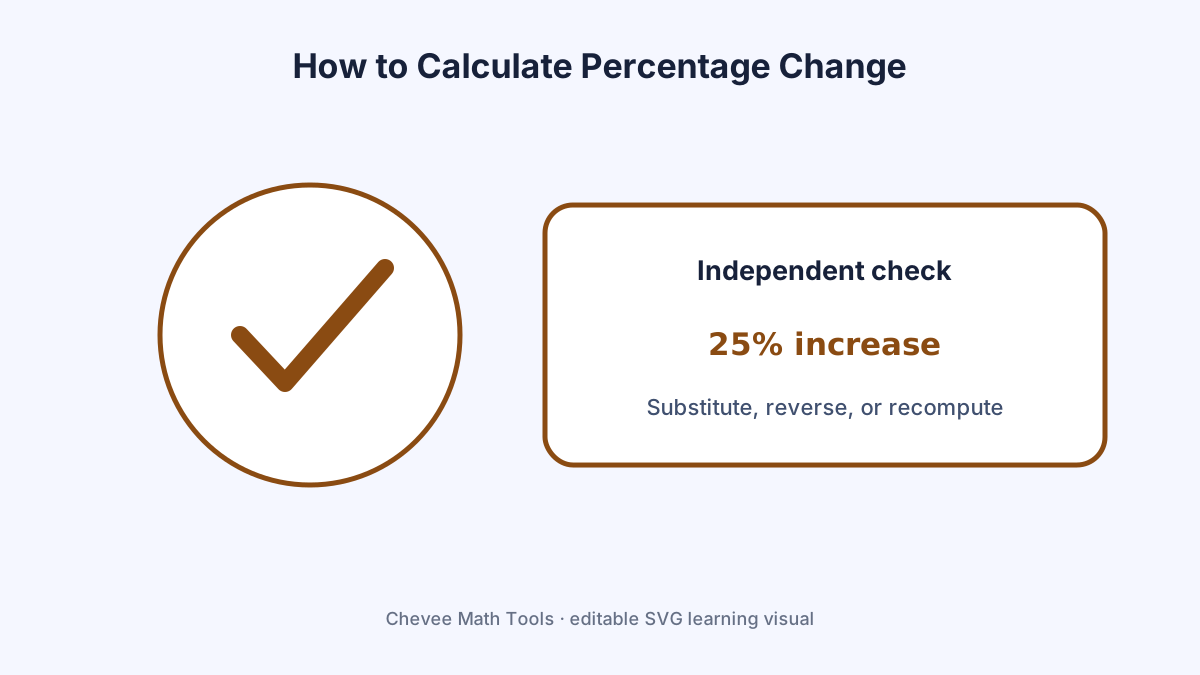
The three diagrams on this page separate the concept, the execution sequence, and the final check. Use the concept diagram to recognize the structure, the workflow diagram while solving, and the verification diagram after obtaining a candidate result. The diagrams are SVG files, so text remains selectable and the graphics stay sharp on mobile screens and when printed.
Common mistakes
- Dividing by the new value instead of the old value.
- Calling a percentage-point difference a percentage change.
- Using the formula when the original value is zero without explaining an alternative.
A reliable correction strategy is to return to the earliest line where the mathematical object changed. Repeating only the final arithmetic often reproduces the same hidden setup error.
Verify the result
Reverse-check: 80 × 1.25 = 100. Also inspect whether the answer has the correct sign, scale, units, dimension, and domain. For an equation, substitution is decisive. For an inverse pair such as differentiation and integration, apply the inverse operation. For a statistical or financial result, recompute one intermediate quantity and compare it with an independent method.
Use the tool without losing the reasoning
Open the matching browser tool with the worked input when available. The tool is useful for recomputation and output formatting, but the page's decision rule remains necessary: unsupported expressions, ambiguous units, and incorrect assumptions can produce a neat result that answers a different question.
Keep a compact record containing the original problem, the selected method, intermediate values, the final result, and the verification. That record is more useful for study, teaching, and debugging than an isolated answer.
Visual explanation
How this guide was checked
Review method: Problem classification review, independent recomputation, reverse-operation or substitution check, source comparison, and visual accessibility review
Verified against: OpenStax instructional references and the page-specific mathematical sources listed below
What changed: Removed repeated sitewide boilerplate and added content-type-specific decision, verification, and applicability guidance for this exact task.
Page purpose: how to calculate percentage change — Learn a reliable method, follow a worked example, and verify the result
Automated quality check: Passed critical indexing checks.
Verification references
These primary standards and official documentation pages were used to check character identity, syntax, or platform behavior described above.
- Algebra and Trigonometry 2eOpenStax, Rice University — Reviewed algebra, functions, sequences, trigonometry, and analytic geometry definitions and examples.
- Introductory Statistics 2eOpenStax, Rice University — Reviewed probability and statistics definitions, notation, and formulas.